The app inside
Real screenshots from version 0.2.153. The amounts, names and contacts are sample data.
Day to day
Recording a transaction has to cost less than not recording it.
-
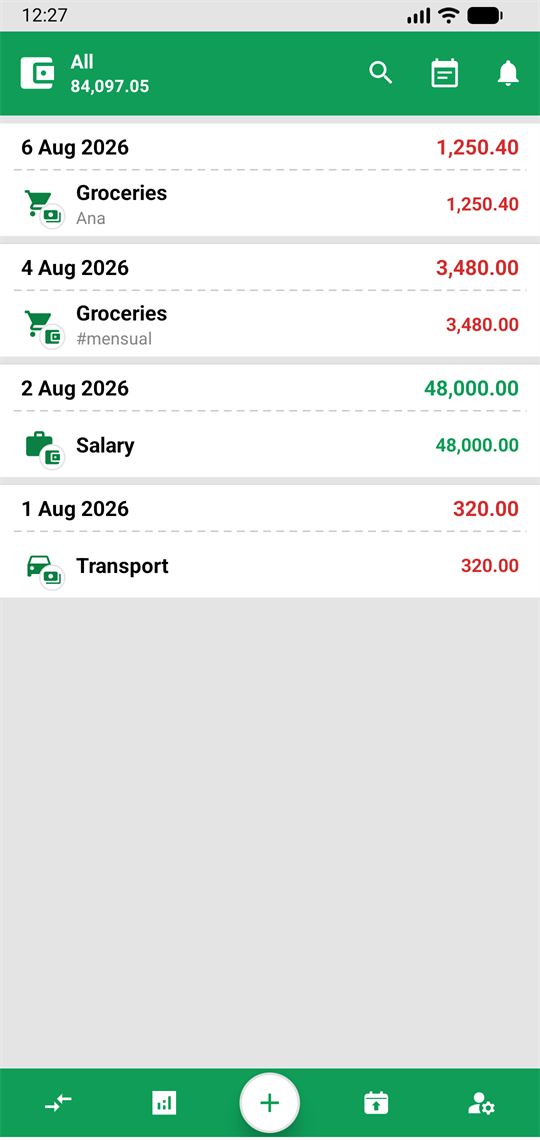
Your transactions Grouped by day, with each group's total, the contact and the tags. The balance is always in view. -
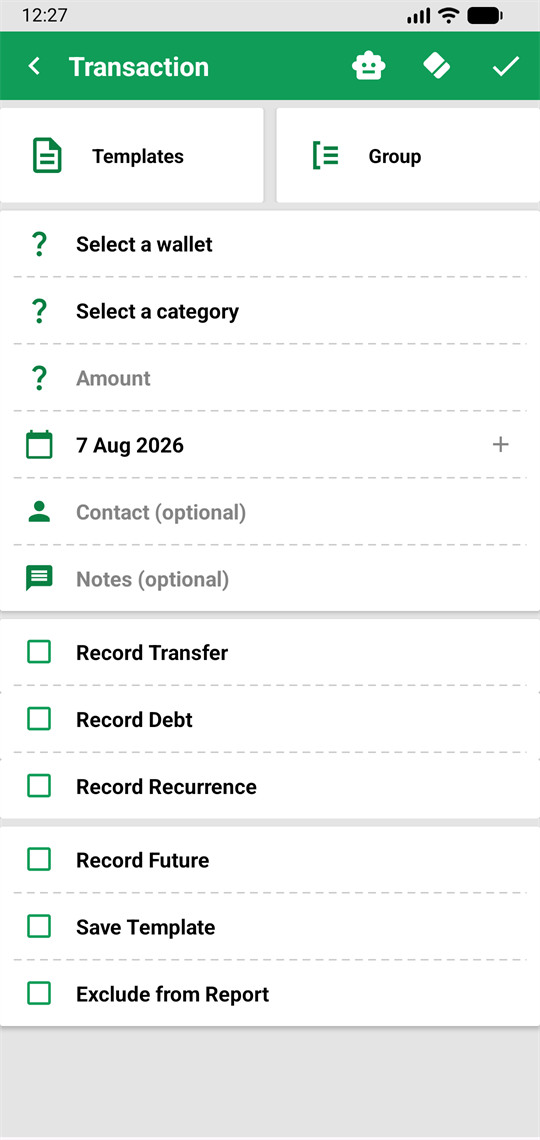
One transaction, every shape The same form records an expense, a transfer, a debt, a recurring entry or a future movement. -
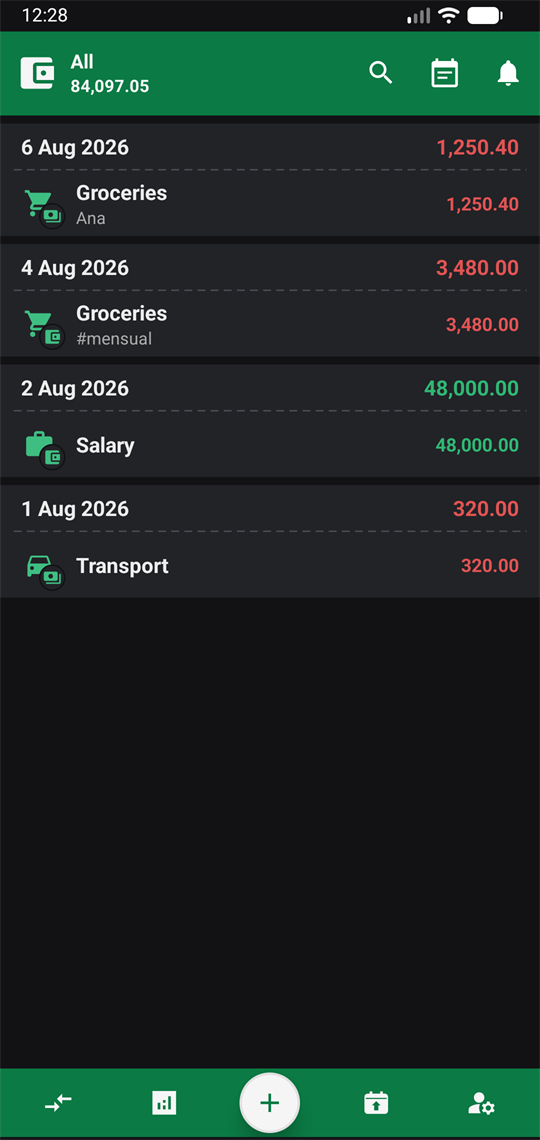
Dark mode The whole app, not just some screens. Income in green and expenses in red stay just as quick to read.
Understand and plan
Look back to see where it went, and forward to see what will be left.
-
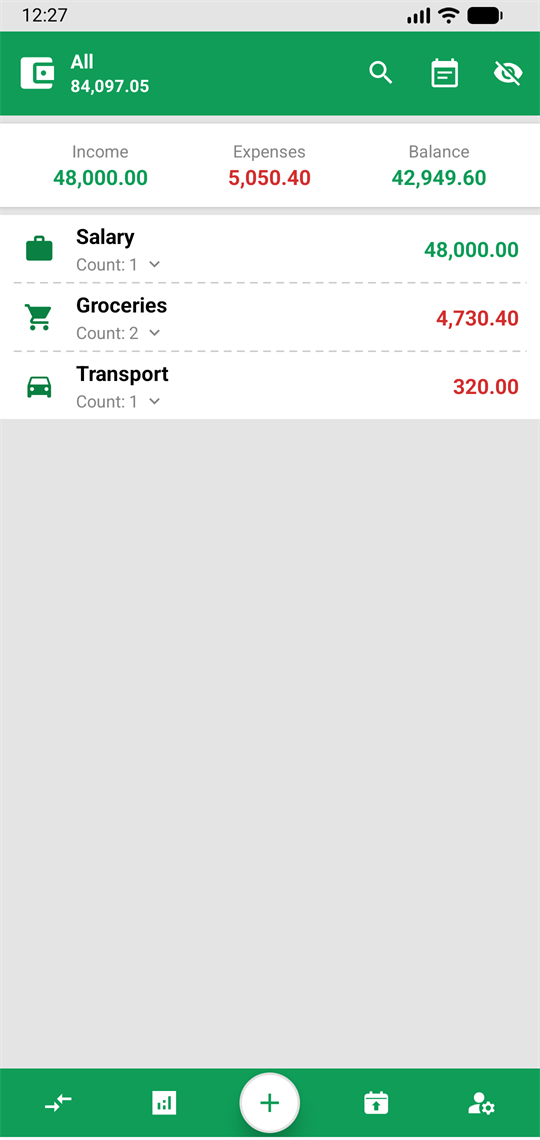
Reports Income, expenses and balance for the period, broken down by category and by wallet. -
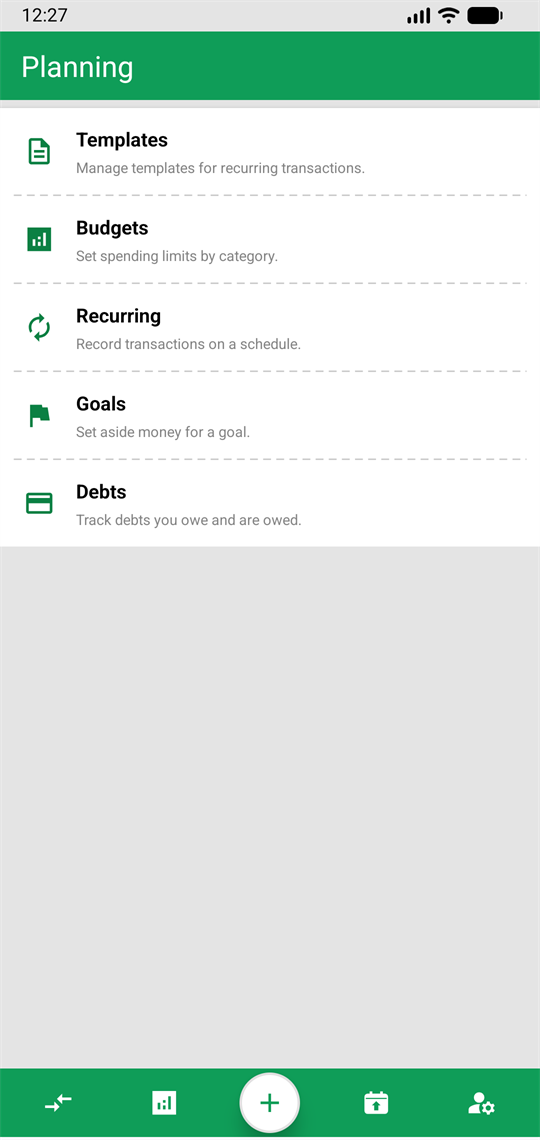
Planning Templates, budgets, recurring transactions, goals and debts, each with its own screen.
Bring your history instead of typing it
Importing is not just adding: the app compares against what you already have so nothing gets recorded twice.
-
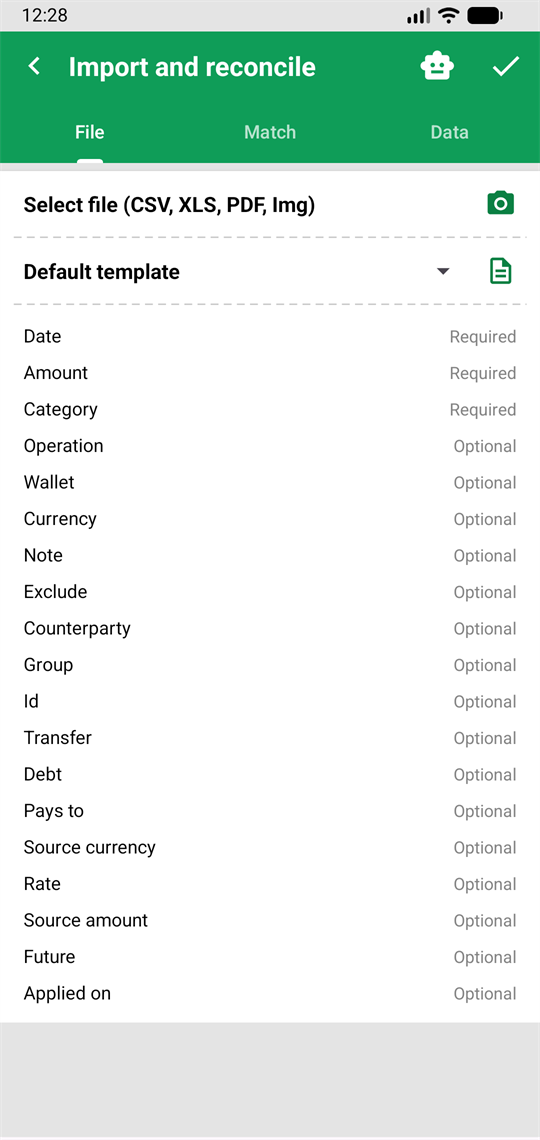
Import and reconcile CSV, XLS, PDF or a photo. Pick the file, match its descriptions to yours and review what is going in. -
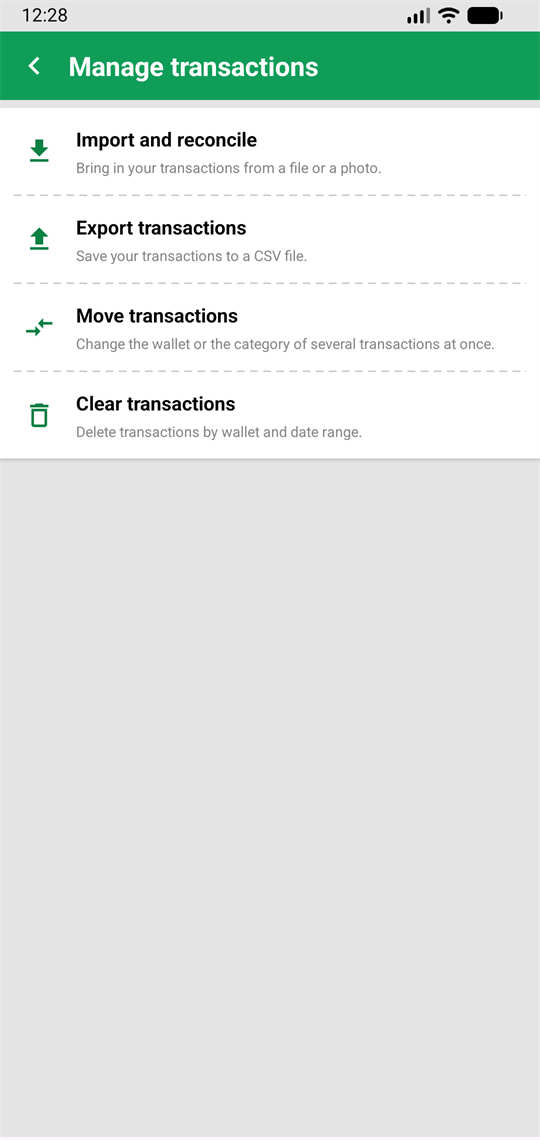
And take it out whenever you want Export to CSV, move transactions in bulk or clear a whole stretch. Nothing is held hostage. -
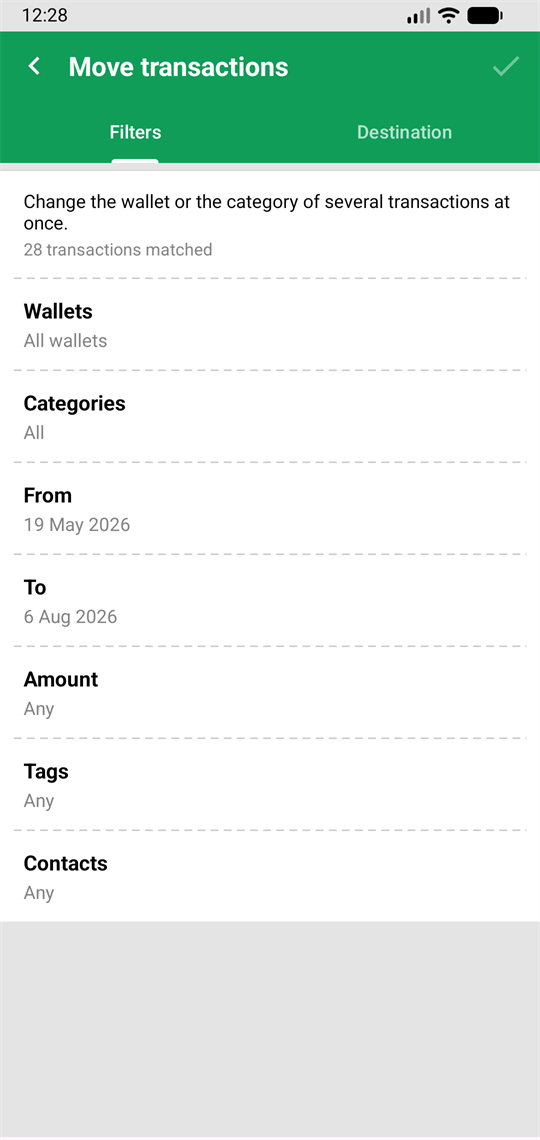
Fix it in bulk Change the wallet or the category of hundreds of transactions at once, with the currency conversion done properly.
The AI and your settings
The AI explains itself before every use and you always review before saving. Everything else is yours to set.
-
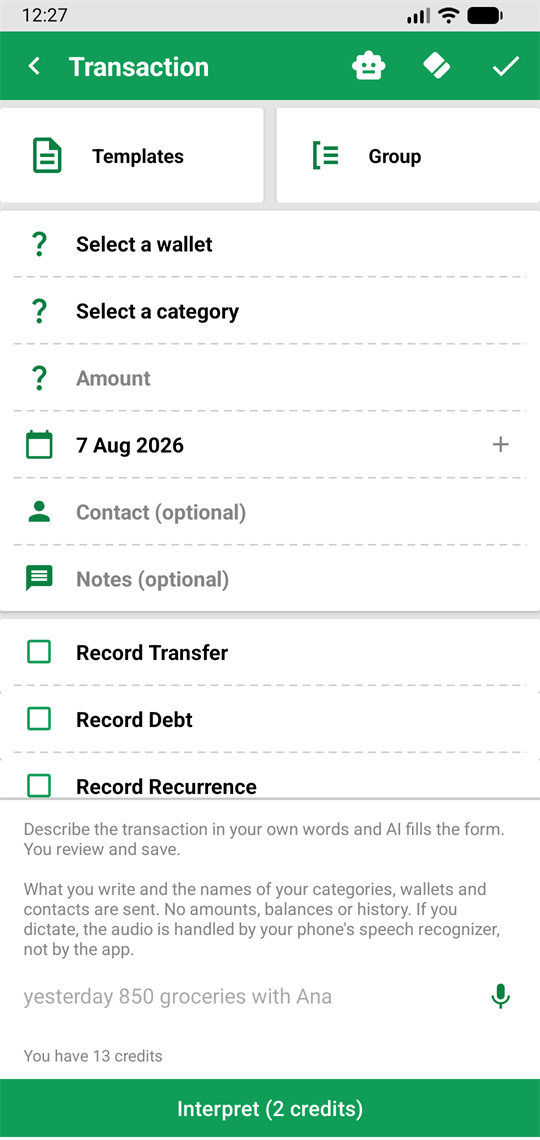
Write it the way you'd say it "yesterday 850 groceries with Ana" and the form fills itself. The panel states what is sent and what it costs before you touch it. -
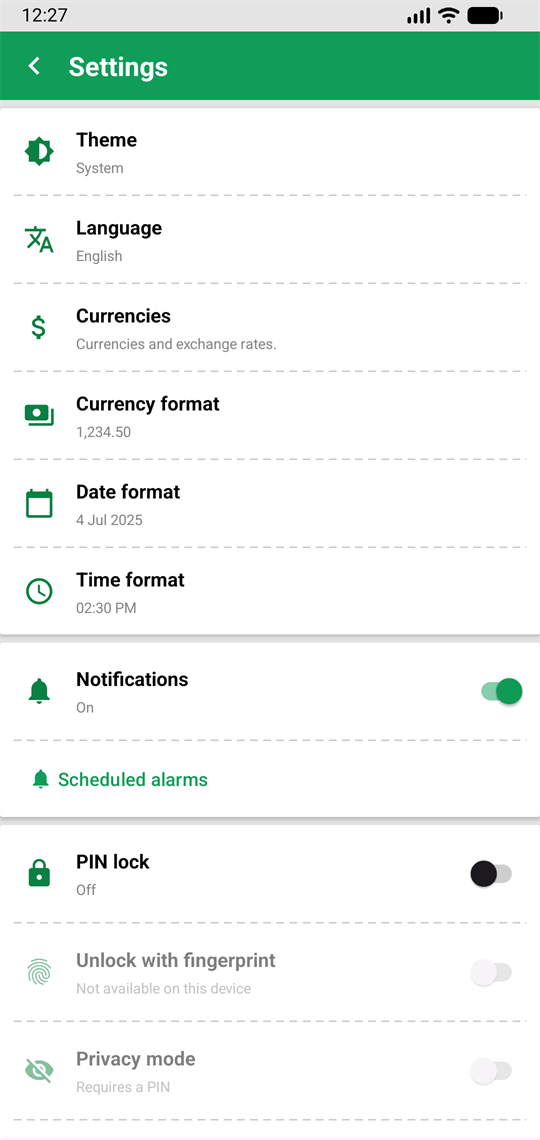
Your way Theme, language, currencies, date and currency format, notifications, PIN lock and privacy mode.